
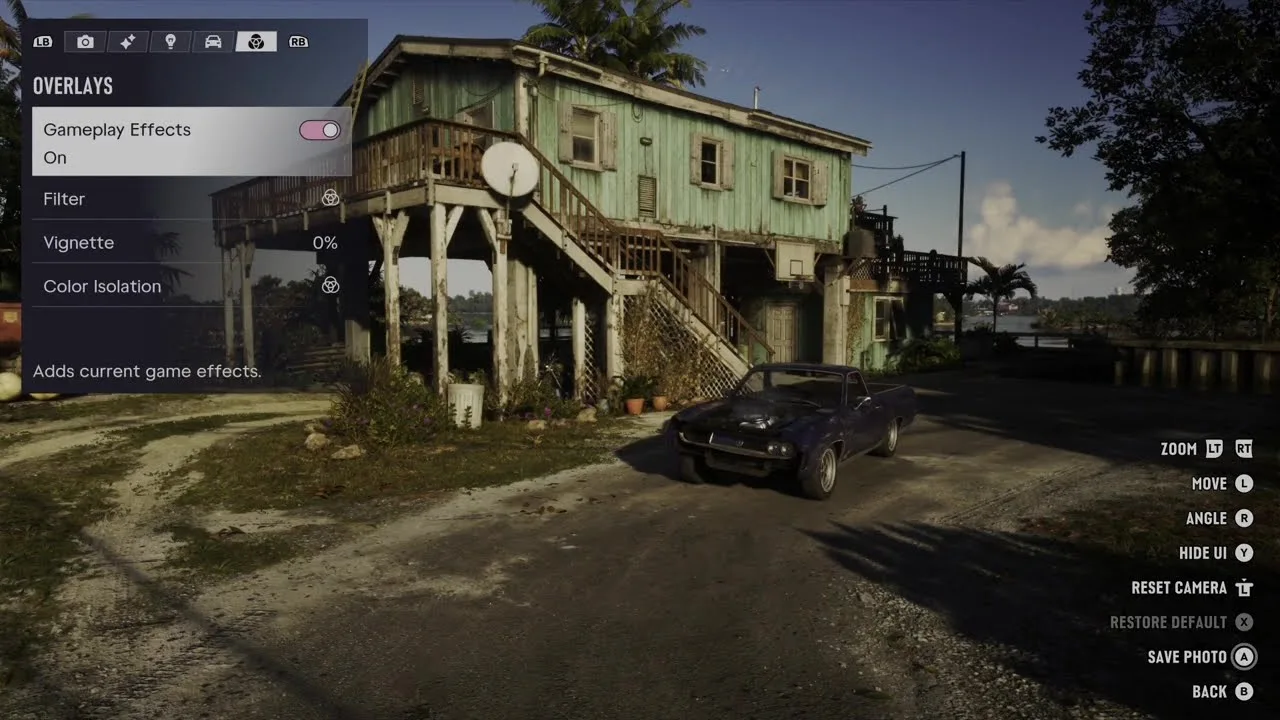
Open the studio from Pause
Frame a character with a lit storefront or a stretch of neon in the background. Pause the game, then press on PS5 or on Xbox to open Photo Studio. Set the camera angle and depth of field before changing exposure. If a sign behind the character is already bright, raising exposure across the whole image can wash it out.
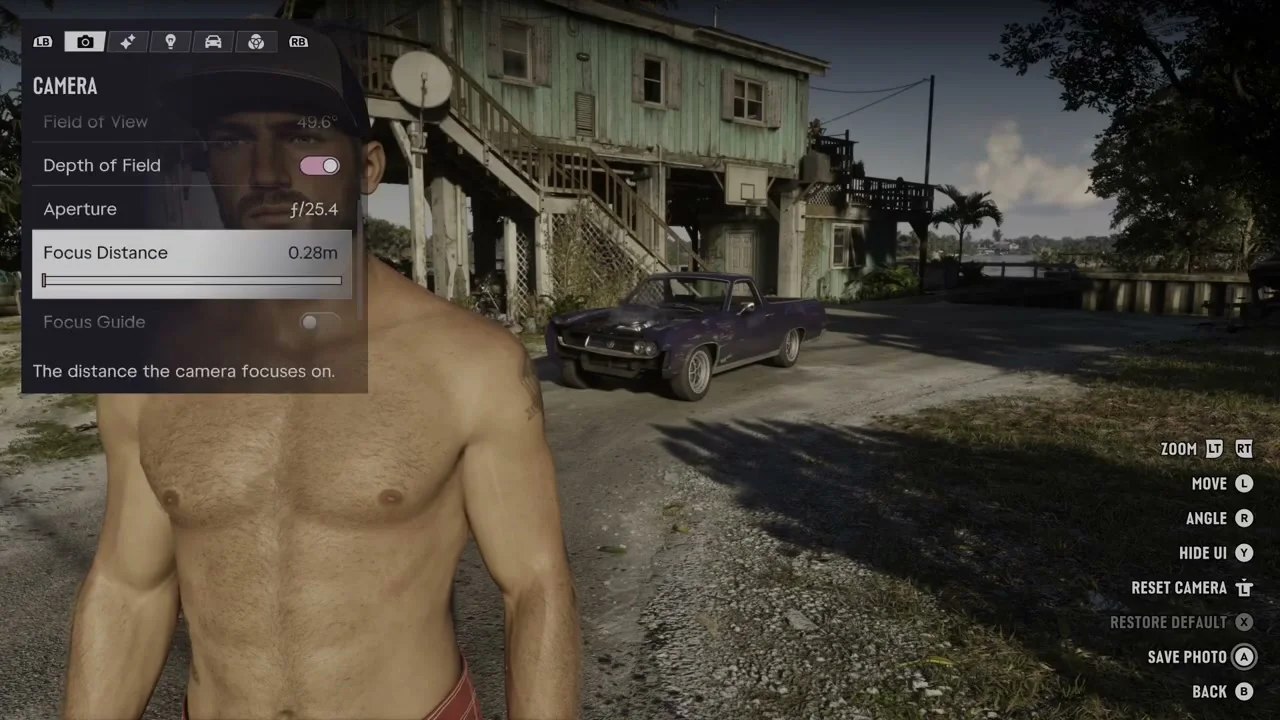
Build the light around the subject
Use the studio’s lighting controls to put a light to one side of the face. Move it a little at a time and check which features still disappear into the shadows. Pull back to see whether the new light also spills onto the background. Hide the interface for the final capture. Keep a second shot with the original lighting if you want players to compare the two.
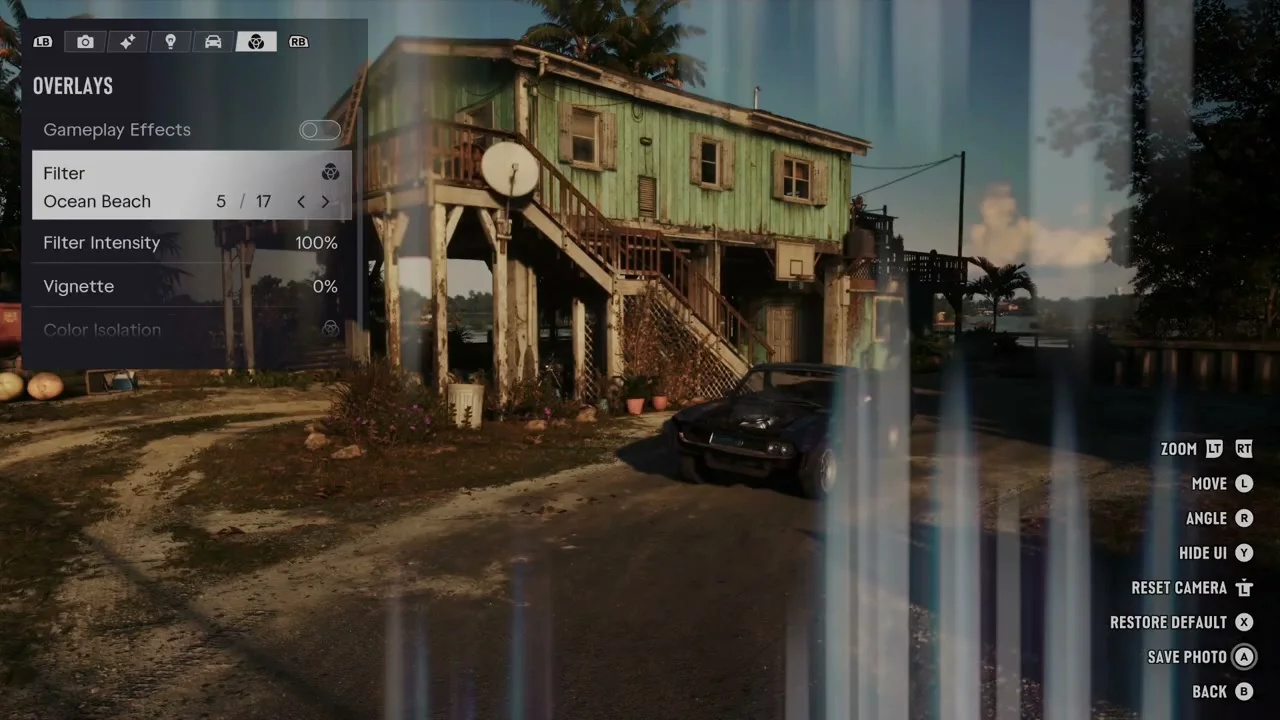
Recreate a shot with one light
Start with a still character and frame the shot before placing a light. Set one light to the side, take a picture, then change just its angle and take another. Compare the eyes and the shadow under the jaw. The two frames make it much easier to see whether the light position or the camera angle changed the portrait.